
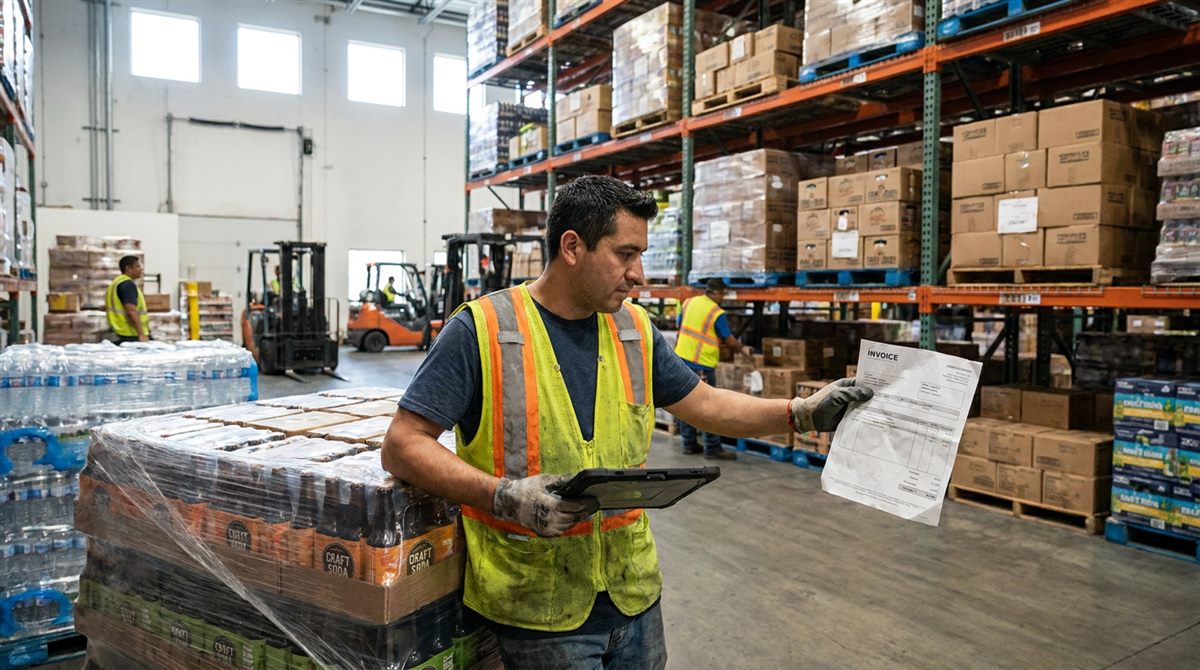
Behind every delivery your store receives is a vendor invoice — and behind every invoice is someone keying line after line into the point-of-sale system. Item names, quantities, costs, pack sizes, totals. It's slow, mind-numbing work, and it's where a surprising number of pricing and stock errors are born. If your team is still typing purchase orders from paper or PDF invoices, there's a much faster way. This guide explains what invoice-to-PO automation is, how it works, and what to look for.
What "invoice-to-PO" data entry really is
When a distributor delivers stock, they send an invoice listing everything you received. To keep your inventory and costs accurate, that information has to become a purchase order inside your POS — every item matched, every cost recorded. Traditionally, a person reads the invoice and retypes it all by hand. For a busy store taking deliveries from dozens of vendors, that's hours of repetitive entry every single week.
Why doing it by hand quietly hurts
- It's slow. Keying invoices line by line is one of the biggest time sinks in the back office.
- It's error-prone. A mistyped cost or quantity flows straight into your margins, pricing, and stock counts.
- It delays your data. Until the PO is entered, your inventory and cost figures are out of date — so every report built on them is too.
- It burns payroll. Paying skilled staff to retype invoices is money spent on a task a computer can do in seconds.
How automation works — in three steps
Modern invoice-automation tools remove the typing entirely. The workflow is simple:
- Upload the invoice. Drop in the PDF invoices your vendors already send — even a whole batch at once.
- Let it extract the data. An intelligent engine reads each invoice and pulls out the items, quantities, costs, and totals.
- Generate a POS-ready purchase order. The data is formatted into a purchase order you can send straight into your POS — no retyping.
What used to take an afternoon takes minutes, and the numbers match the invoice exactly.
Key takeaways
- Every delivery's invoice has to become a purchase order — the question is whether a person or software does it.
- Manual entry is slow, error-prone, and keeps your stock and cost data out of date.
- Automation follows three steps: upload PDF → extract → POS-ready PO.
- The right tool works with any POS and covers the vendors you actually buy from.
What to look for in an automation tool
- Works with your POS. It should output purchase orders your existing POS accepts — no switching systems.
- Covers your vendors. The more of your distributors it already recognizes, the less you touch.
- Handles batches. Processing many invoices at once beats one-at-a-time.
- Accurate and reviewable. You still want to glance over the result before it hits your books.
- No heavy setup. Plug-and-play beats a long installation project.
The payoff
This is exactly the problem QuickPO solves. Built for high-volume beverage and liquor retailers, it turns PDF vendor invoices into POS-ready purchase orders automatically — up to 500 invoices in under five minutes, compatible with any POS, and already integrated with 50+ beverage vendors. Stores using it report roughly 80% faster processing and far fewer data-entry errors.
Why pay for the man-hours when you can automate them? Your team's time is better spent on customers than keyboards.
And once your purchase orders are accurate and up to date, everything downstream gets better — your costs, your margins, and the analytics you rely on to make decisions. (See how clean data powers better retail decisions.)
Keep reading
Why Accurate Purchase Orders Keep Your Inventory Honest
A purchase order is the record behind your stock counts and margins. Here is how one entry error spreads — and why automating POs keeps your inventory honest.
Read More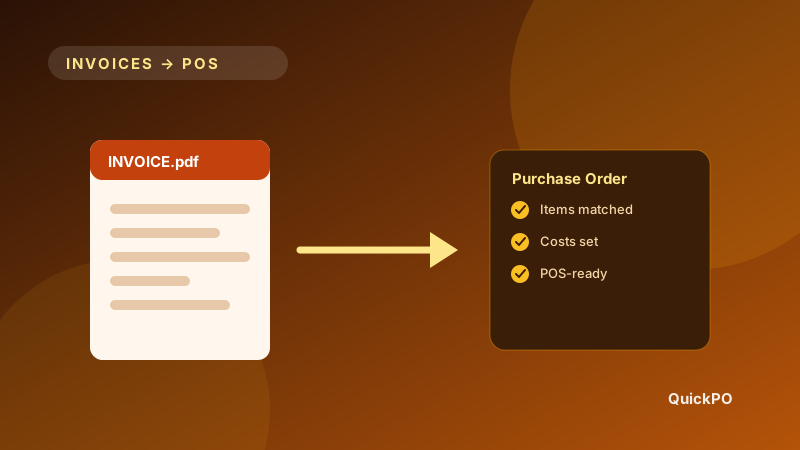
PDF Invoices to POS in Minutes: A Beverage Retailer's Guide
Beverage retailers lose hours retyping vendor invoices. Here is how to turn PDF invoices into POS-ready purchase orders in minutes instead.
Read MoreStop typing invoices
See how QuickPO turns vendor invoices into POS-ready purchase orders in minutes — book a quick demo with our team.
Get a Demo